GTA 5 Mods: 50 Best Free Mods for Cars, Graphics, and Gameplay (2026)
Grand Theft Auto V continues to attract millions of players because of its enormous open world, entertaining missions, detailed vehicles, and endless opportunities for exploration. However, the original game is only the beginning of what players can experience. The creative modding community has developed thousands of modifications that introduce new vehicles, improved graphics, realistic weather, advanced police behavior, weapons, characters, and completely different gameplay experiences. These additions allow PC gamers to customize Los Santos according to their personal preferences.
In 2026, GTA 5 Mods remain an exciting way to refresh the original gaming experience without waiting for official updates or additional story content. Whether you enjoy driving expensive supercars, exploring realistic environments, creating cinematic gameplay videos, or experimenting with new abilities, there are modifications for almost every interest. This guide explores popular categories, recommended modifications, installation tools, trusted download websites, compatibility considerations, and practical solutions to common problems.
What Are GTA 5 Mods?
Modifications, commonly called mods, are files created by independent developers and gaming enthusiasts to change different aspects of Grand Theft Auto V. They can replace existing game assets, introduce additional content, improve character behavior, or modify the mechanics that control how the game works. Some modifications make small adjustments, while larger projects can completely transform the appearance and atmosphere of Los Santos.
For example, a vehicle modification might replace an ordinary car with a detailed Ferrari, while a graphics modification could introduce realistic lighting, improved reflections, and more natural weather conditions. Other projects add new weapons, missions, buildings, clothing, and gameplay features. Most community modifications are designed for PC players, and their compatibility depends on the game edition, version, and additional software requirements.
What Do You Need Before Installing Mods?
Before downloading anything, check your computer specifications and identify which version of Grand Theft Auto V you own. The game is available in Legacy and Enhanced editions, and modifications do not necessarily work across both versions. Understanding this difference can prevent installation errors, unexpected crashes, and wasted time searching for files that are incompatible with your particular game installation.
Several tools are commonly used when modifying the game. Script Hook V provides scripting support for compatible modifications, while OpenIV helps manage game archives in supported versions. Menyoo PC and other trainers provide additional control over vehicles, characters, and environments. Some modifications also require configuration adjusters or additional scripting frameworks. Always read the creator’s instructions because individual projects may require different dependencies.
50 Best GTA 5 Mods to Explore in 2026
The modding community offers modifications across several categories, including graphics, vehicles, gameplay, weapons, police systems, and environmental improvements. Rather than installing everything immediately, consider what you want to change first. Some players prioritize visual quality, while others prefer additional activities, realistic driving, or more challenging interactions with the game’s police system.
The following selections represent popular projects and modification categories worth exploring. Availability, download versions, and compatibility can change after game updates, so check the original creator’s page before installing anything. A modification that works perfectly with one game edition may require an updated release or an alternative installation method for another edition.
Best Graphics and Visual Mods
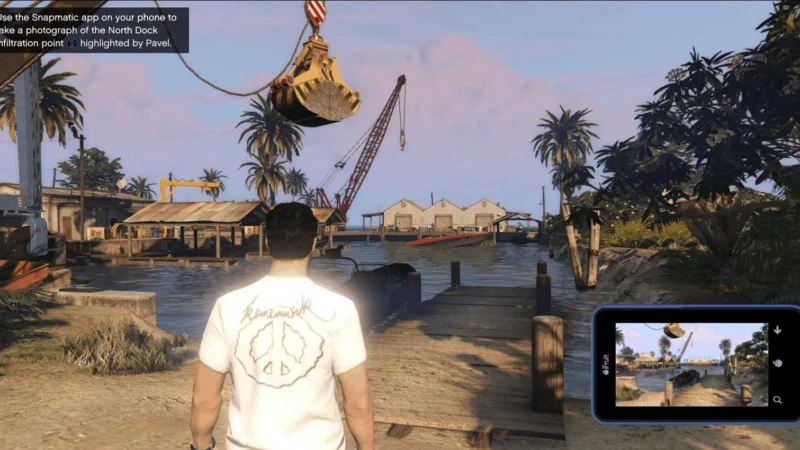
Graphics modifications can make Los Santos feel like a completely different environment. They improve visual details such as sunlight, shadows, reflections, water, vegetation, clouds, and weather effects. Players who enjoy taking screenshots or recording cinematic gameplay often begin with visual improvements because they can significantly change the atmosphere without necessarily introducing complicated new gameplay mechanics.
NaturalVision Evolved, VisualV, QuantV, and Visual Redemption are recognizable names in the GTA graphics community. Other options include reshade presets, realistic lighting configurations, enhanced water textures, and high-resolution environmental assets. Before combining several visual modifications, check whether their files overlap. Running multiple major graphics overhauls together can create visual conflicts, increase memory usage, or reduce overall performance.
Best Car and Vehicle Mods
Vehicle modifications are among the most popular additions because they allow players to experience cars that are not included in the original game. From exotic supercars and luxury sedans to motorcycles, trucks, and emergency vehicles, these modifications expand the available vehicle collection and offer additional customization opportunities for automotive enthusiasts.
Players can explore Ferrari add-on vehicles, Lamborghini models, Tesla-inspired electric cars, realistic police vehicles, and custom supercar collections. Vehicle handling modifications can also change acceleration, braking, suspension, and road behavior. Some packages introduce completely new vehicles, while replacement modifications change existing cars. Always check installation requirements and avoid installing several packages that replace the same vehicle assets.
Best Gameplay and Trainer Mods
Gameplay modifications introduce new activities and controls that make the open world more interactive. Trainers are particularly useful for players who want to experiment with different characters, vehicles, locations, and environmental settings without repeatedly completing missions. They can also help content creators prepare specific scenes for screenshots, demonstrations, and gameplay videos.
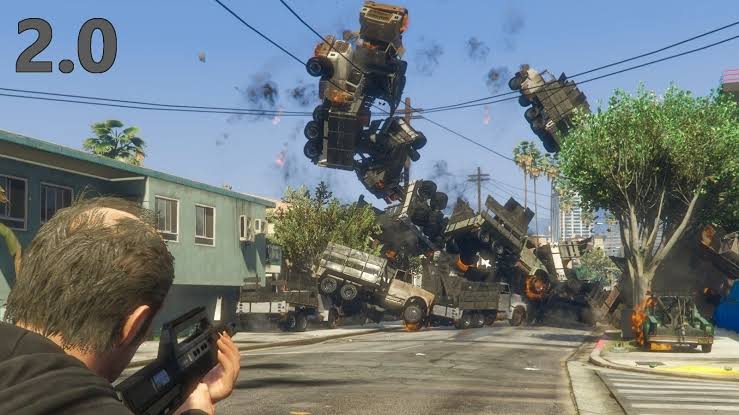
Menyoo 2.0, Simple Trainer, and Rampage Trainer are popular examples worth researching. Depending on the compatible version, these tools can provide options for spawning vehicles, changing weather, teleporting, and adjusting different gameplay settings. Other modifications introduce survival challenges, additional missions, realistic driving systems, and new character abilities. Read the installation documentation carefully because trainers may require specific scripting components.
Best Police and Realism Mods
The original police system provides exciting pursuits, but some players want more challenging and immersive interactions. Police and realism modifications can introduce improved emergency responses, more detailed pursuits, different dispatch behavior, and changes to how law enforcement reacts to criminal activity throughout the city.
Realism Dispatch Enhanced and Better Chases+ are examples of projects that players can investigate for more dynamic police encounters. LSPDFR-related modifications also attract gamers interested in emergency services and police roleplay. Some projects require additional plugins, configuration files, or compatible frameworks. Check the installation requirements before combining multiple police modifications to prevent conflicts between their systems.
Best Weapons and Combat Mods
Combat modifications can refresh the action experience by introducing different weapon models, sound effects, animations, and equipment. Players who frequently participate in firefights may appreciate more detailed reload animations, realistic weapon handling, and improved audio. These changes can make familiar missions feel different without requiring an entirely new storyline or map.
Popular options include realistic weapon sound replacements, custom firearm collections, tactical equipment, and improved combat animations. Some modifications replace existing weapons, while others introduce additional assets that require specific installation procedures. Before downloading a weapon package, check whether it supports your game version and whether it conflicts with other modifications already installed in your game directory.
Best Map, World, and Character Mods
Map modifications provide additional places to explore by introducing new buildings, interiors, environmental assets, and expanded locations. They can make familiar areas feel fresh and give players more opportunities to explore beyond the original missions. Some projects focus on realistic architecture, while others introduce entirely fictional environments and creative additions to the existing world.
Character modifications offer another way to personalize the experience. Custom clothing, hairstyles, accessories, character models, and animation improvements can change the appearance of the main character and pedestrians. Players interested in creating cinematic scenes may also explore environmental and character packages together. However, larger modifications can require additional storage and system resources, so check their requirements before installation.
GTA 5 Mods for Different Gaming Experiences
Different players have different reasons for modifying their games. Racing enthusiasts may prefer vehicle collections and realistic handling systems, while players interested in photography may prioritize advanced lighting, detailed textures, and improved weather effects. Those who enjoy action can investigate combat modifications, survival challenges, and enhanced police behavior to create more demanding gameplay situations.
Beginners should start with a small number of simple modifications instead of installing dozens of files at once. Players with powerful computers can experiment with demanding graphics overhauls, while those using entry-level hardware should prioritize lightweight visual improvements. Choosing modifications according to your interests and computer specifications creates a more enjoyable experience and makes troubleshooting considerably easier.
GTA 5 Legacy vs. Enhanced: Understanding Mod Compatibility
GTA V Legacy and GTA V Enhanced are different PC editions, and their modification requirements can vary. Some older projects were developed specifically for Legacy, while Enhanced may require updated tools or alternative installation methods. This distinction is important when downloading scripts, vehicles, graphics packages, and other files from community websites.
Before installing anything, read the compatibility information provided by the developer. Check the supported game build, required frameworks, and installation instructions. Do not assume that a modification designed for Legacy will automatically function in Enhanced. Keeping separate backups and carefully managing your installed files can help prevent problems when switching between different game editions or updating your installation.
How to Download GTA 5 Mods for PC
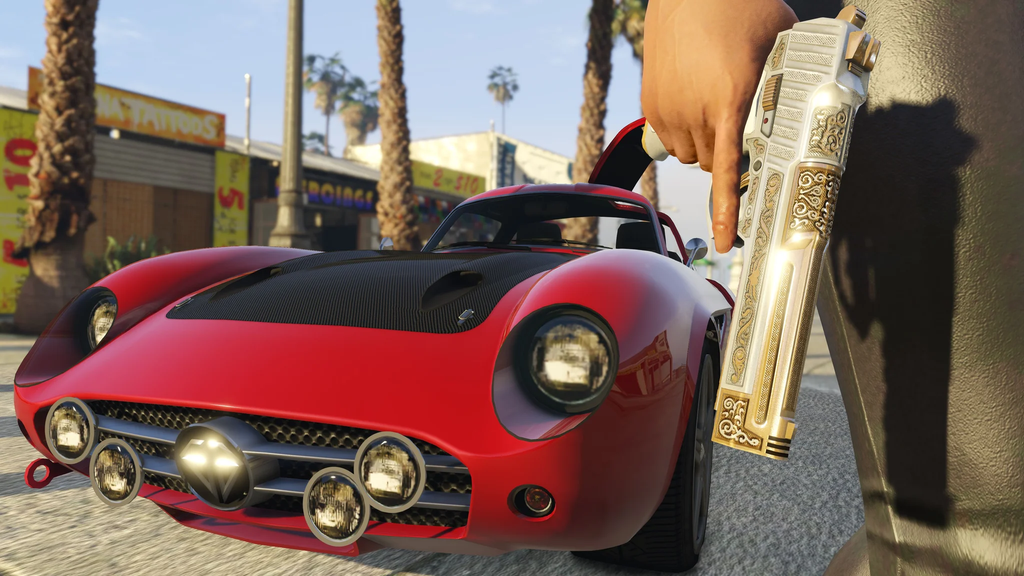
Finding a reliable download source is an important part of modifying your game. Established community websites provide searchable libraries, screenshots, creator information, installation instructions, and user feedback. These details help players understand what a modification changes before downloading it and whether it supports their preferred game version.
Some useful platforms include GTA5-Mods.com, Nexus Mods, LibertyCity, and Razed Mods. Each platform offers different types of community content, including vehicles, scripts, graphics projects, and gameplay improvements. Visit the original creator’s download page whenever possible, review recent comments, and check the update history. Avoid unfamiliar websites that require suspicious installers or unnecessary personal information.
How to Install GTA 5 Mods Step by Step
Installing modifications requires careful attention because different files may belong in different folders. Begin by locating your GTA V installation directory and creating a backup of important files. Identify your game edition before installing any supporting software. This preparation makes it easier to restore your original installation if a modification causes unexpected problems.
Next, install the tools required by your selected modification. Script Hook V, compatible archive management software, and additional scripting frameworks may be necessary depending on the project. Follow the creator’s instructions to place files in the correct locations, then launch Story Mode to test the changes. Install one modification at a time so you can identify the source of any installation errors.
Are GTA 5 Mods Safe to Download and Use?
Community modifications can provide excellent entertainment, but downloading files from unknown sources introduces security risks. Some websites distribute misleading download buttons, suspicious installers, or files containing unwanted software. For this reason, players should prioritize established modding communities and original creator pages instead of relying on random links shared through unfamiliar websites.
Use reputable antivirus software, scan unfamiliar downloads, and avoid applications requesting unnecessary permissions. Keep original files backed up and read user feedback before installing unfamiliar projects. It is also important to separate single-player modifications from GTA Online. Unauthorized modifications, trainers, and cheats should not be used in GTA Online because they can result in account restrictions or other penalties.
How to Fix Common GTA 5 Mods Problems
Even carefully installed modifications can sometimes create technical problems. Common symptoms include unexpected crashes, missing textures, scripts failing to load, vehicles disappearing, or the game becoming stuck during startup. These issues often occur because of incompatible files, outdated dependencies, incorrect installation paths, or conflicts between multiple modifications.
Start troubleshooting by removing the most recently installed modification and testing the game again. Check whether your scripting tools support the current game build and confirm that all required dependencies are installed. If a graphics modification reduces stability, temporarily restore the original visual files. Avoid deleting unfamiliar game files without checking their purpose, and use your backups whenever restoration becomes necessary.
How to Improve Performance When Using Mods
Large graphics modifications can place additional demands on your computer. High-resolution textures, advanced reflections, detailed vegetation, and complex lighting systems can consume considerable graphics memory. A system that runs the original game smoothly may experience lower frame rates after installing several demanding visual modifications.
To improve performance, adjust texture quality, shadows, reflections, and other graphics settings according to your hardware. Close unnecessary background applications and avoid installing several major visual overhauls simultaneously. Players with entry-level graphics cards should consider lightweight modifications instead of extremely detailed packages. The goal is to achieve a comfortable balance between visual quality, stability, and smooth gameplay.
Best Websites to Find and Download GTA 5 Mods
Choosing the right community platform can make discovering new modifications easier. GTA5-Mods.com is particularly useful for exploring categories such as vehicles, scripts, maps, and gameplay modifications. Its browsing options help users discover popular files, recently uploaded projects, and content created by different community members.
Nexus Mods offers another destination for community-created files and collections, while LibertyCity provides a broad selection of vehicles, maps, and other additions. Razed Mods is worth exploring for players interested in graphics projects. Regardless of the platform, always check the creator’s information, supported game edition, update history, and installation requirements before downloading a file.
Conclusion
Grand Theft Auto V offers an enormous range of customization opportunities through its creative modding community. From realistic supercars and advanced graphics to improved police behavior, weapons, characters, and expanded environments, players can transform familiar locations into something entirely different. The right combination depends on your interests, computer specifications, and preferred gaming experience.
Exploring GTA 5 Mods is best approached with careful planning rather than downloading everything at once. Start with trusted sources, verify compatibility, maintain backups, and install modifications individually. Whether you want a more realistic version of Los Santos or simply enjoy experimenting with new vehicles and gameplay features, the right modifications can make your PC gaming experience more engaging throughout 2026.
Frequently Asked Questions
Are GTA 5 mods free to download?
Many community-created modifications are available for free, although some creators offer optional paid content or donations.
Can you install GTA 5 mods on PC?
Yes, the PC versions support many community-created modifications, provided the necessary tools and compatible files are installed.
What are the best GTA 5 mods in 2026?
Popular options include NaturalVision Evolved, VisualV, Menyoo 2.0, Simple Trainer, and various vehicle and gameplay modifications.
Can you use GTA 5 mods in GTA Online?
Unauthorized modifications should not be used in GTA Online because they can lead to account penalties or restrictions.
What software do you need to install GTA 5 mods?
Common tools include Script Hook V, OpenIV for supported Legacy modifications, OpenRPF for Enhanced archive modifications, and compatible scripting frameworks.
You May Also Read: Espresso 2 Go GTA 3